 ANT
See nearby networks
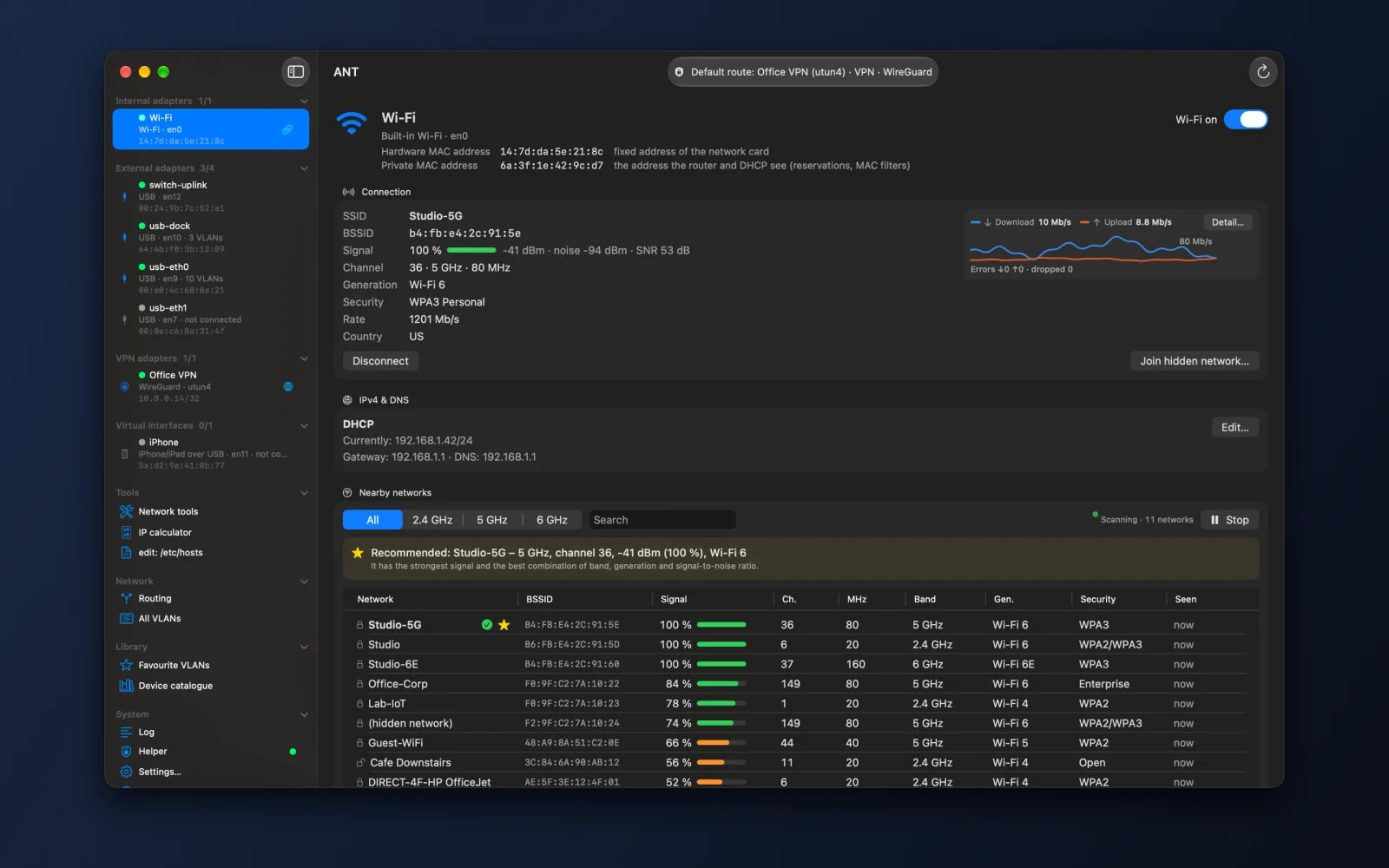
Inspect nearby Wi-Fi networks, their signal strength, channels and 2.4, 5 and 6 GHz bands. Use the overview when investigating a connection or choosing a network.
Understand your connection
View connection details, the recommended network and hardware and private MAC addresses. A Wi-Fi overview helps distinguish wireless conditions from IP or routing problems.
FAQ
Which languages is the app available in?
The application interface is available in English and Czech only. The website is available in eight languages.
What does the helper do?
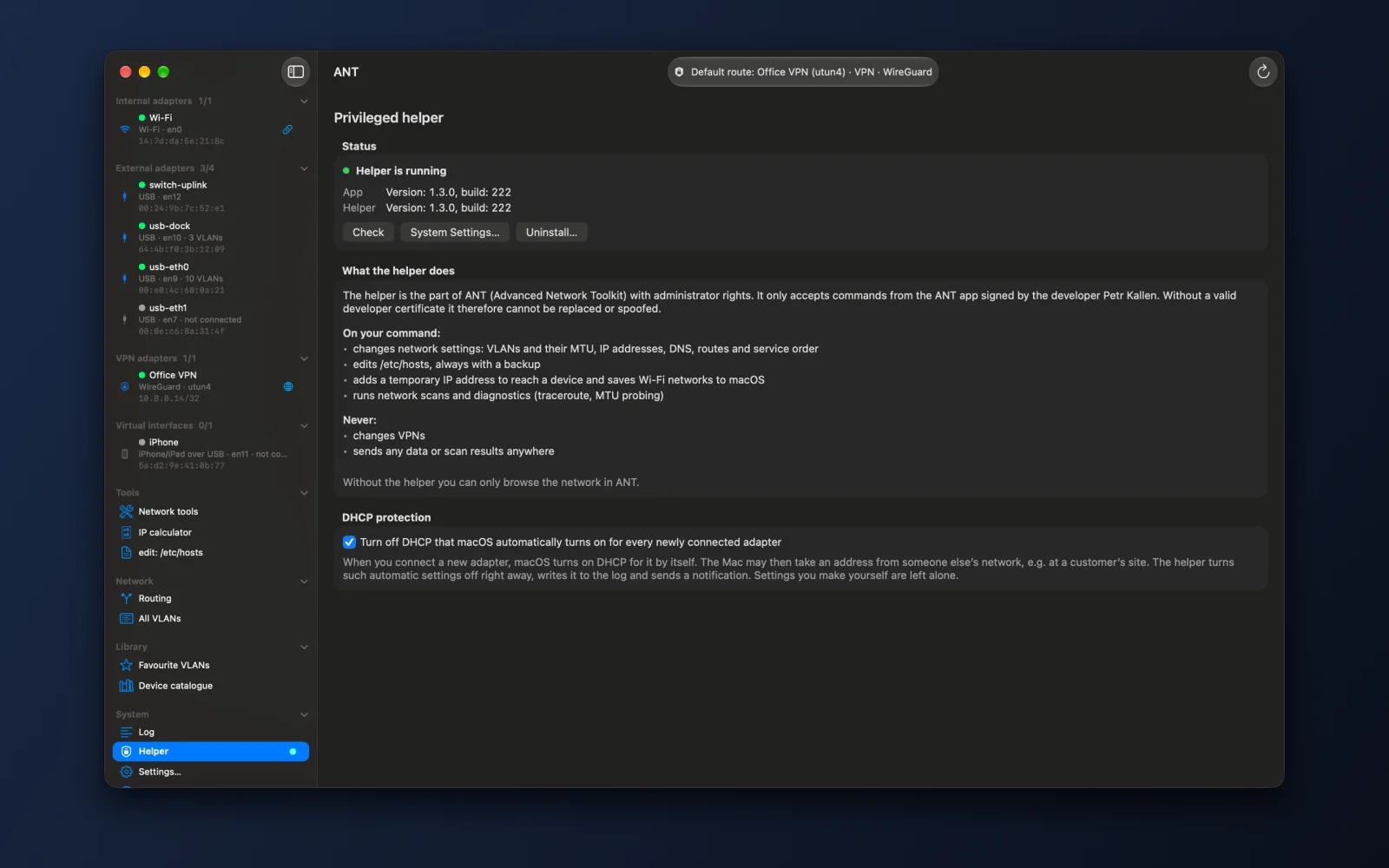
The privileged helper performs network changes at your request. ANT’s DHCP protection is on by default; its settings are in Helper. It immediately turns off the automatic DHCP change macOS makes on a newly connected USB Ethernet adapter.
Can I use multiple VLANs on one adapter on a Mac?
Yes. ANT supports multiple tagged VLANs and an untagged network on one Ethernet adapter. The adapter, driver and switch port must support the required configuration.
Is ANT in the Mac App Store?
No. Download ANT as a DMG from this website. Updates are available inside the application.
Try ANT
ANT requires macOS 27 or later and Apple Silicon (arm64). Intel Macs are not supported. The application interface is available in English and Czech only. The website is available in eight languages. The trial starts when you click Start 3-day trial in the app.
Download ANT for macOSApple Silicon (arm64)